
 AI note taker for Teams
 Deepu Nair· CEO, Sunnyside AIUpdated 12 Nov 20264 min
The short answer
Teams writes AI notes on the Recap tab, called intelligent recap. You need Teams Premium or a Microsoft Copilot licence, and IT must allow transcription. Start Transcribe or Record in the meeting, then open Recap afterwards. With no licence, Sunnyside AI takes notes on your own computer instead.
The steps
- 01Check the licenceTeams needs a Teams Premium or Microsoft Copilot licence for AI notes. Audio and video recaps need Copilot.
- 02Check IT allows transcriptionAn admin turns on the meeting policy. Without it there are no AI notes.
- 03Set Copilot for the meetingCalendar, the event, Options, then Copilot and other AI. Choose During and after the meeting.
- 04Start Transcribe or RecordIn the meeting, More actions, then Transcribe. Without a recording, the recap has no speakers, topics or chapters.
- 05Open Recap afterwardsOpen the meeting chat and select Recap. The AI notes and suggested tasks are there.
- 06Or use Copilot only during the meetingChoose Only during the meeting in Options. Select Copilot, then Turn on. No transcript is kept, and you cannot turn it off once on.
- 01Install the appSunnyside AI runs on a Mac or Windows computer.
- 02Sign inUse your work email.
- 03Join the Teams meeting, hosted by anyoneCopilot does not work in a meeting hosted by another organization. Sunnyside AI does not depend on the host.
- 04Take the callSunnyside AI hears the call on your computer.
- 05Read the notes afterwardsThey are in the app, with a follow-up draft next to them.
Which way to choose
Teams AI notes are tied to your licence and your IT team. If either is missing, there are no notes.
| Compared on | Teams intelligent recap | A bot note taker | Sunnyside AI |
|---|---|---|---|
| Licence needed | Teams Premium or Copilot, plus IT turning it on | An account with the bot service | The desktop app on a Mac or Windows computer |
| Meeting hosted by another organization | No Copilot in it | Depends on the lobby | Yes, you join as normal |
| Who sees the notes | Same-organization attendees with the licence | The bot's owner and who they share with | You |
| After the notes | AI notes and suggested tasks | A summary | A follow-up draft and open items across calls |
Limits
- Sunnyside AI does not write into Teams. Its notes stay in its own app.
- It runs on a Mac or Windows computer, not on a phone or a tablet.
- It is built for sales calls, not lectures or interviews.
- It does not replace telling people. Say at the start of the call that you take notes.
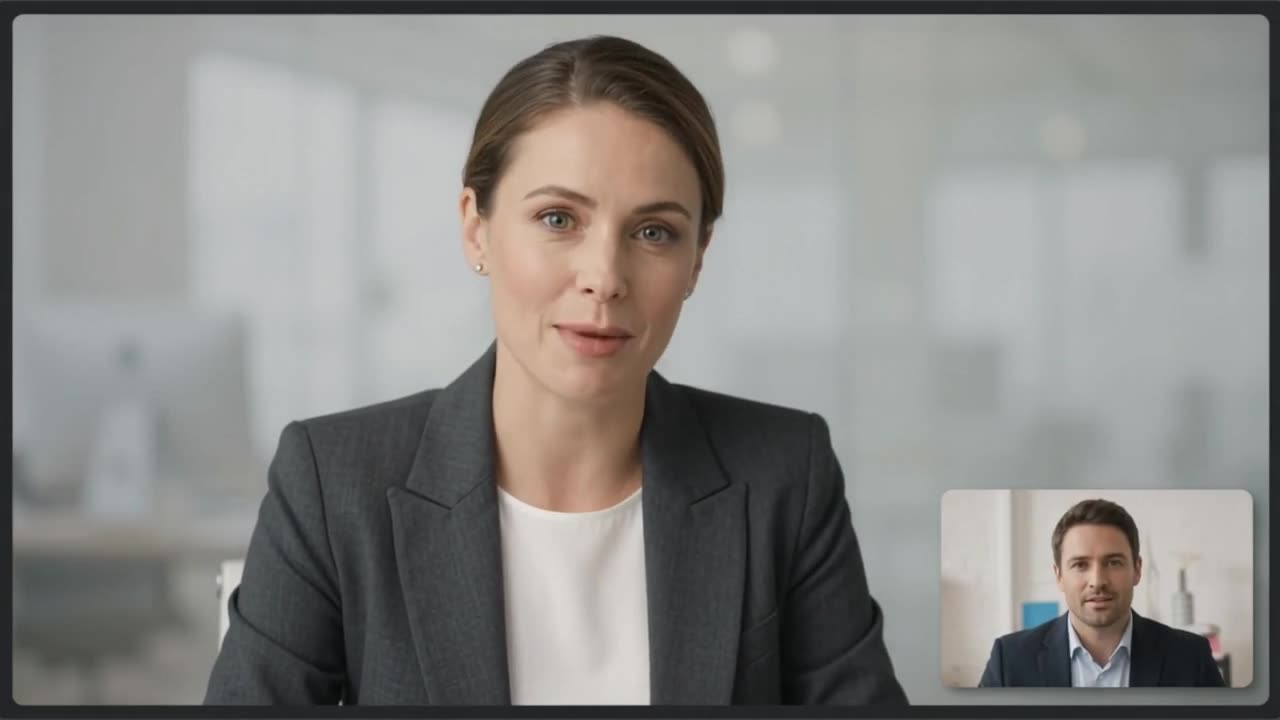 Claire Dunn · Meridian Group

On a real call, this is what you would see
Sunnyside AI writes the notes while the call is fresh, and no bot joins.
Try Sunnyside AI freeQuestions people ask
Does Teams AI take notes without a transcript?
Yes, in scheduled meetings, if the organizer has Copilot and turns on intelligent recap in Meeting options. The summary is saved as a read-only Word file that expires after 120 days by default.
Can guests see the recap?
No. Only attendees from the same organization who have the licence can. Guests and external people cannot.
What are the other recap names in Teams?
The Meeting Recaps app lists your past recaps for the last 30 days. Audio recap and video recap are add-ons that need Copilot.
Is it legal to take notes with an AI note taker?
It depends on where each person is. Tell people at the start of the call and ask.
- Microsoft: intelligent recap, checked 12 Nov 2026
- Microsoft: intelligent recap without saving transcripts, checked 12 Nov 2026
- Microsoft: use Copilot without transcribing or recording, checked 12 Nov 2026