
 How to record a Google Meet
 Deepu Nair· CEO, Sunnyside AIUpdated 12 Nov 20264 min
The short answer
Open Meeting tools in Google Meet, choose Recording, then Start recording. Recording needs a Google Workspace plan that includes it, and an admin must allow it. Everyone in the call is told. The file is saved in the organizer's Google Drive. For a way with no bot, Sunnyside AI listens on your own computer.
The steps
- 01Start or join the meetingYou need permission to record. The host has it, and Host management can limit who else does.
- 02Open Meeting toolsIt is at the bottom right of the call.
- 03Choose RecordingYou can pick a language to record captions in.
- 04Click Start recording, then StartMeet tells everyone in the call, including people on phones.
- 05Stop itMeeting tools, Recording, Stop recording. It also stops when everyone leaves, and at 8 hours.
- 06Find the fileIt is in the organizer's Drive, in the Google Meet folder. The organizer and the person who started it get a link by email.
- 01Install the appSunnyside AI runs on a Mac or Windows computer.
- 02Sign inUse your work email.
- 03Open your Meet link in the browserYou join as yourself. Nothing is added to the call.
- 04Talk as normalSunnyside AI hears the call through your own computer.
- 05Say you take notesTell people at the start of the call.
- 06Read the notes after the callThey are in the app, not in Drive, unless you copy them there.
Which way to choose
Meet records only if your plan and your admin allow it. If they do not, Sunnyside AI still works.
| Compared on | Meet recording | A bot note taker | Sunnyside AI |
|---|---|---|---|
| Plan needed | A Workspace edition that includes recording, with the admin allowing it | An account with the bot service | The desktop app on a Mac or Windows computer |
| Where it ends up | The organizer's Google Drive | In the bot service's account | In your Sunnyside AI app |
| Does a guest join the call | No | Yes, a named bot shows in the participant list | No |
| What you get | A video recording | A transcript and a summary | Notes, a transcript and a follow-up draft |
Limits
- Sunnyside AI works from audio, so you get notes and a transcript, not a video file.
- It runs on a Mac or Windows computer, not on a phone or a tablet.
- It is built for sales calls, not lectures or interviews.
- Its notes live in the Sunnyside AI app, not in your Google Drive.
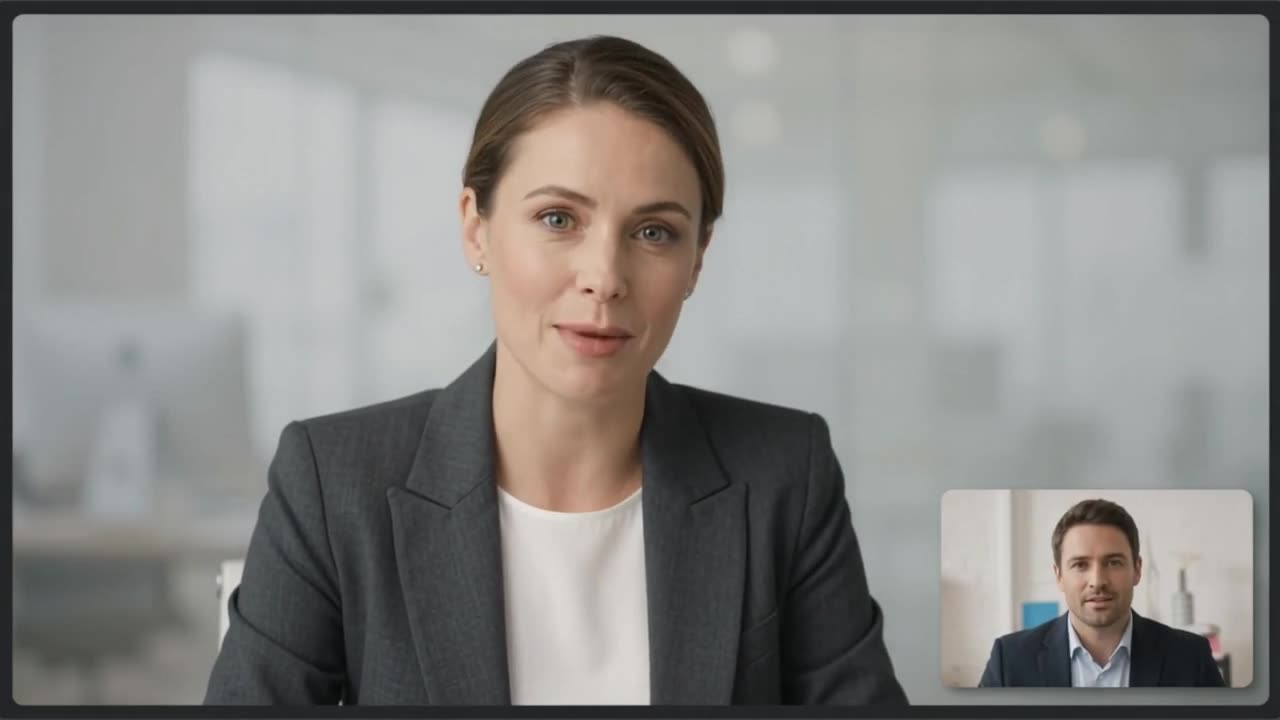 Claire Dunn · Meridian Group

On a real call, this is what you would see
Sunnyside AI writes the notes while the call is fresh, and no bot joins.
Try Sunnyside AI freeQuestions people ask
Which Google plans can record a Meet?
Several Workspace editions can, including Business Standard and Plus and the Enterprise editions, plus Workspace Individual. Google lists them on its help page, so check yours there.
Where does a Meet recording go?
To the organizer's Google Drive, in a Google Meet folder with a subfolder for each meeting. A link also goes on the Calendar event.
Does Meet tell people it is recording?
Yes. Everyone in the call is told when recording starts and stops, including people on phones.
Is it legal to record a Google Meet?
It depends on where each person is. Tell people at the start of the call and ask.
- Google: record a video meeting, checked 12 Nov 2026