
 How to record a Zoom meeting
 Deepu Nair· CEO, Sunnyside AIUpdated 12 Nov 20264 min
The short answer
Click Record in the Zoom meeting controls and choose Record on this Computer. That works on every plan, but only the host can start it unless the host allows you. Cloud recording needs Pro or higher. Zoom shows everyone a recording notice. For a way with no bot, Sunnyside AI listens on your own computer.
The steps
- 01Start the meeting as hostOnly the host can record, unless the host gives someone else permission.
- 02Click RecordIt is in the meeting controls. If a menu opens, pick where the file goes.
- 03Choose local or cloudRecord on this Computer works on any plan. Record to the cloud needs Pro, Business, Education or Enterprise.
- 04Let someone else recordOpen Participants, click More next to their name, then choose Allow Record.
- 05Stop, then waitClick Stop or end the meeting. A local file is converted first, then its folder opens.
- 06Find the fileLocal files go to the Zoom folder on your computer. Cloud files show in Recordings & Transcripts on the Zoom web portal.
- 01Install the appSunnyside AI runs on a Mac or Windows computer. Download it from the website.
- 02Sign inUse your work email. You set this up once.
- 03Join the Zoom meeting as normalNothing is added to the call. Sunnyside AI hears what your computer plays and what you say.
- 04Check the participant listNo extra guest appears, so nobody has to admit anything.
- 05Say you take notesTell people at the start of the call, the same as you would for a recording.
- 06Open the notes after the callThe transcript and notes are ready in the app when the call ends.
Which way to choose
Zoom records for you if you are the host. Sunnyside AI is for the times you are not, or when you want notes more than a video.
| Compared on | Zoom recording | A bot note taker | Sunnyside AI |
|---|---|---|---|
| What you get | A video file (MP4) or audio file (M4A), plus the chat text | A transcript and a summary | Notes, a transcript and a follow-up draft |
| Who starts it | The host, or someone the host allows | Whoever invites the bot | You, on your own computer |
| Does a guest join the call | No | Yes, a named bot shows in the participant list | No |
| What it needs | Local: any plan. Cloud: Pro, Business, Education or Enterprise | An account with the bot service | The desktop app on a Mac or Windows computer |
Limits
- Sunnyside AI works from audio, so you get notes and a transcript, not a video file. If you need the video, use Zoom to record.
- It runs on a Mac or Windows computer, not on a phone or a tablet.
- It is built for sales calls, not lectures or interviews.
- It does not replace telling people. Say at the start of the call that you take notes.
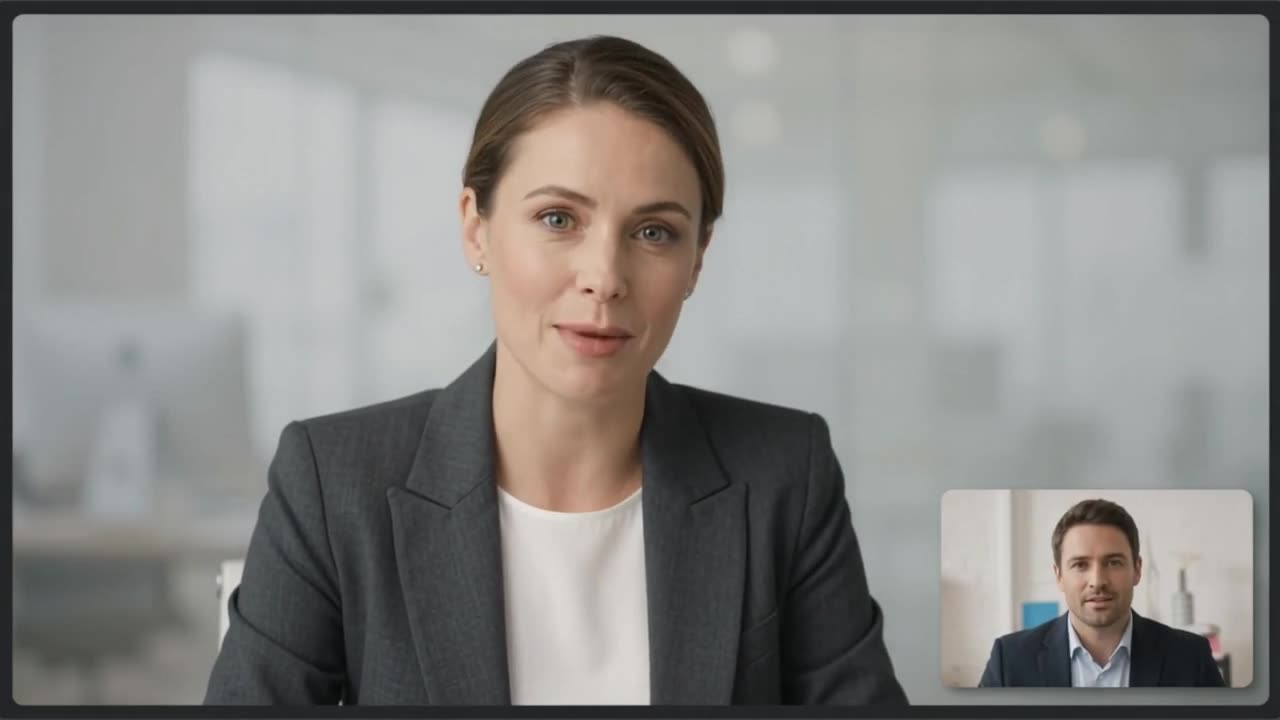 Claire Dunn · Meridian Group

On a real call, this is what you would see
Sunnyside AI writes the notes while the call is fresh, and no bot joins.
Try Sunnyside AI freeQuestions people ask
Can I record a Zoom meeting on a free account?
Yes, on your computer. Local recording works on every plan if you use the desktop app. Cloud recording needs a paid plan.
Do people know the meeting is recorded?
Yes. People on Zoom apps see a recording notice and a recording mark in the top-left corner. People who dial in by phone hear a spoken notice.
Why is my cloud recording not there yet?
Zoom says processing usually takes about twice the length of the meeting, and can take up to 24 hours. You get an email when it is ready.
Is it legal to record a Zoom meeting?
It depends on where each person is. Tell people at the start of the call and ask.
- Zoom: start a computer recording, checked 12 Nov 2026
- Zoom: start a cloud recording, checked 12 Nov 2026
- Zoom: recording notification prompts, checked 12 Nov 2026