

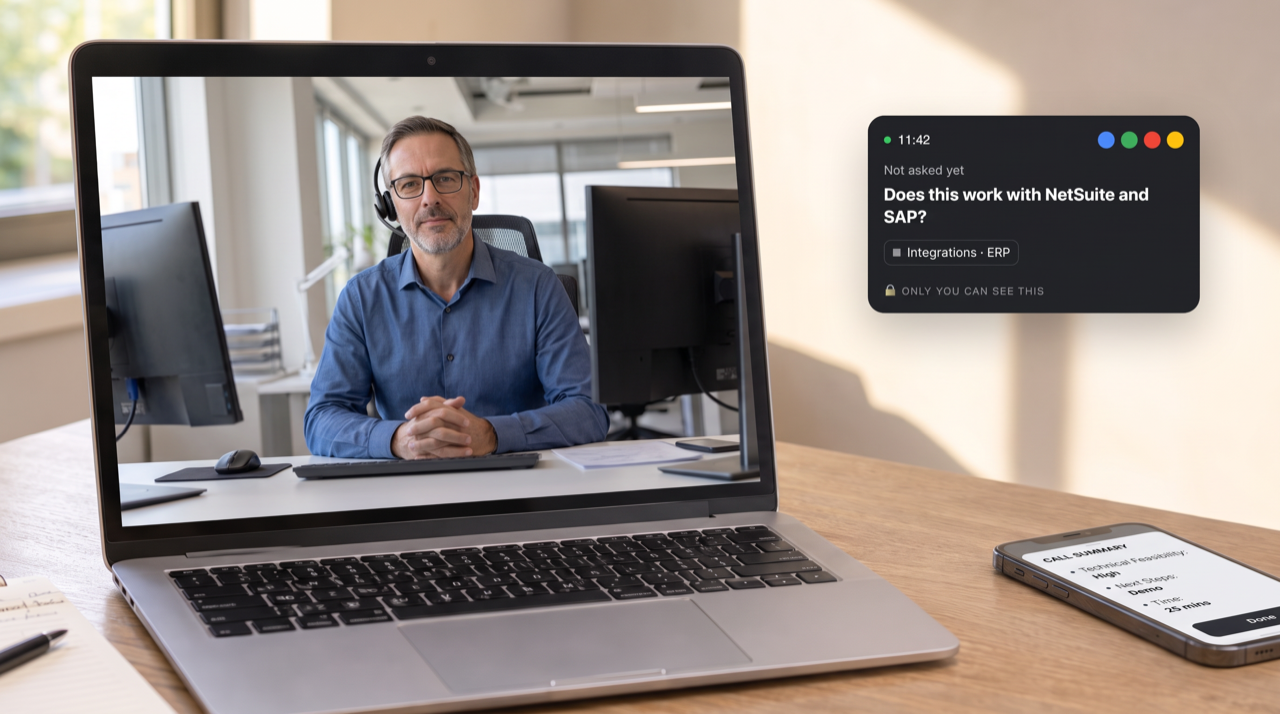
Every rep knows the moment. The buyer asks something specific, about an integration, a security policy or a pricing edge case, and you have a few seconds to answer. In my years selling technology, and long before that when I was running an agritech business, the problem was rarely effort. It was having the right information at the moment the customer asked for it.
That moment is the real dividing line between AI sales assistants. Some help you during the call. Others help you after it, with notes, summaries and follow-ups. In 2027 many tools claim to do both, so this guide groups the AI sales assistants worth considering by when they actually help, and what to check before you buy.
Disclosure: I'm the co-founder of Sunnyside AI, one of the tools below. Every other tool is described from its own documentation or public pages, with its limits.
THE SHORT ANSWER
A real-time AI sales assistant helps a rep during a live call, for example by showing a sourced answer when the buyer asks a hard question. An after-call assistant records, summarises and drafts follow-ups once the call ends. Teams selling complex or technical products get the most from real-time help; teams that mainly need notes can start with an after-call tool.
Real-Time vs After-Call, in One Table
| Real-time assistant | After-call assistant | |
|---|---|---|
| When it helps | While the buyer is still talking | Once the call ends |
| Typical output | Short answer cards, prompts, open items | Notes, summaries, follow-up drafts, CRM updates |
| Biggest win | Answering hard questions in the moment | Saving admin time and keeping a record |
| Best for | Technical and complex sales, newer reps, founders | High-volume calls where notes are the main gap |
For the full explanation of how live help works, see what a real-time sales assistant is. If you already have a call-recording platform, read what conversation intelligence can't do during the call.
AI Sales Assistants at a Glance
| Tool | Main mode | Live help | After the call | Starting price |
|---|---|---|---|---|
| Sunnyside AI | Real-time + after-call | Sourced answers, no bot | Feedback, follow-ups, deal intelligence | $19/mo; Team $89/seat/mo |
| Fireflies | After-call, adding live | Live Assist with AskFred | Notes, summaries, search | Free; $10/seat/mo |
| Clari Copilot (Salesloft) | After-call + live | Live battlecards | Recording, coaching | Quote |
| Dialpad | Live, inside its phone system | Live coaching cards, playbooks | Notes, sentiment | Check vendor |
| Gong | After-call, adding live | Real-time guidance, per Gong | Analytics, scoring, forecasting | Quote |
| HubSpot Breeze | After-call, inside the CRM | Not its focus | Summaries, email drafts | Included with Sales Hub |
From each vendor's documentation and public pages, November 2026. Features change often; confirm in a demo.
1. Built for the Live Call
Sunnyside AI
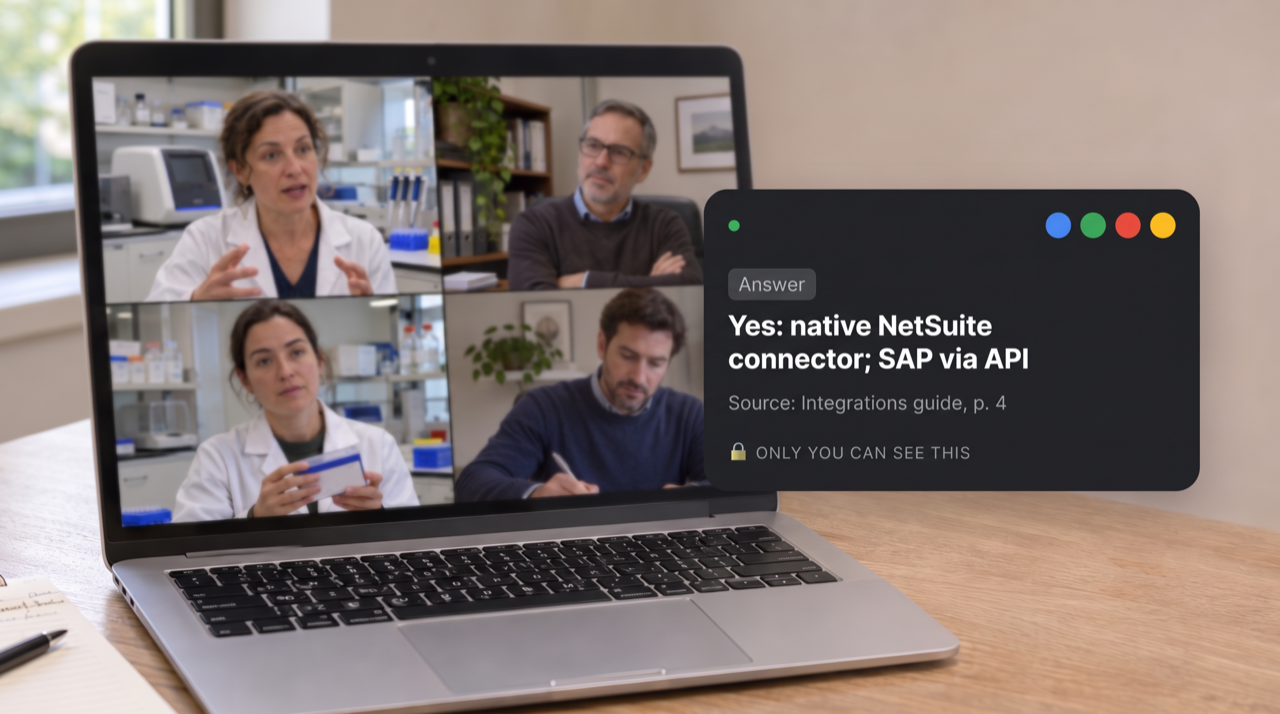
Sunnyside is built for teams selling technical and complex products. During the call it shows short, sourced answers to technical, security and pricing questions on the rep's screen, privately and without a bot joining the meeting. Before the call it gives the buying group, research and AI roleplay; after it, coaching feedback, follow-up drafts and conversation and deal intelligence. Kapital Data cut ramp-up time by 60% and Coderland by 50% with Sunnyside (Sunnyside AI).
When it helps: before, during and after every call.
Pricing: free trial for 10 days or 5 calls, no card needed; Plus $19 a month, Pro $49 a month, Team $89 per seat a month (Sunnyside pricing).
Watch out for: it isn't a forecasting platform for large revenue orgs, and its SOC 2 Type II audit is in progress.
Dialpad
Dialpad offers an AI sales assistant for live calls on its own calling platform, with live coaching cards, AI playbooks, sentiment analysis and notes (source: Dialpad).
When it helps: during calls made through Dialpad.
Pricing: check the vendor's pricing page.
Watch out for: it works best if your team already makes calls on Dialpad.
2. Meeting Assistants Adding Live Help
Fireflies
Fireflies is a meeting note taker that now includes Live Assist: real-time notes, transcripts, suggestions and AskFred answers during meetings, with an option to capture calls without a bot (source: Fireflies help center).
When it helps: mostly after meetings, with growing live features.
Pricing: free plan; Pro is $10 and Business $19 per seat per month billed annually (source: Fireflies).
Watch out for: AskFred answers in Live Assist use AI credits per query, and it's a general meeting tool rather than one built around the sales cycle.
3. Call-Recording Platforms Adding Real-Time
Clari Copilot (Salesloft)
Clari Copilot records calls and shows live battlecards and coaching cues during them; Clari is now part of Salesloft (source: Clari).
When it helps: during and after calls.
Pricing: quoted through sales.
Watch out for: it's sold as part of a larger enterprise platform.
Gong
Gong is best known for after-call analytics, AI call scoring and forecasting, and it now describes real-time guidance as part of its platform (source: Gong).
When it helps: mostly after calls, for managers and revenue leaders.
Pricing: quoted; buyer-reported estimates are about $1,300 to $1,600 per user per year plus a platform fee (source: Revenue Grid, a competitor).
Watch out for: cost and setup for small teams. Our Gong alternatives guide covers lighter options.
4. CRM-Native Assistants
HubSpot Sales Hub (Breeze AI)
If your team lives in HubSpot, Breeze AI drafts emails, summarises records and runs prospecting agents inside the CRM (source: HubSpot).
When it helps: after calls and between meetings.
Pricing: HubSpot says its AI tools are included in all Sales Hub paid tiers and the free plan.
Watch out for: it doesn't help during live calls, and advanced agents use credits.
How to Choose an AI Sales Assistant
Start with where your deals slow down. If they stall because reps can't answer hard questions on the call, you need real-time help. If they stall because follow-ups are late and notes are missing, an after-call tool may be enough. Then test any shortlist against these five checks:
- The ten-second test. Can a rep read and use a live suggestion in about ten seconds without losing the buyer's attention?
- Sourced answers. Does every live answer show where it came from, so reps can trust it and you can correct it?
- Your content, not the internet. Live answers should come from approved company material, not a general web search.
- Bot or no bot. Some buyers dislike recording bots joining their meetings. Check how the tool captures calls.
- Feedback, not just summaries. After the call, does the rep get specific feedback and a ready follow-up, or only a summary?
When an After-Call Assistant Is Enough
If your calls are short, transactional and rarely technical, a good note taker and CRM assistant may cover what you need. Real-time help earns its place when calls are complex, buying groups are large, and a missed answer costs you the deal. For a closer look at the moments that break technical calls, start there.
Frequently Asked Questions
What is an AI sales assistant?
An AI sales assistant is software that helps sales reps with their work around customer conversations: preparing for calls, helping during them, and handling notes, follow-ups and CRM updates afterwards.
What is the difference between a real-time and an after-call sales assistant?
A real-time assistant helps during the live call, for example by showing answers to buyer questions. An after-call assistant records and summarises the call and drafts follow-ups once it ends. Some tools now do both, with different depth.
Which AI sales assistant is best for technical sales?
Technical sales teams benefit most from real-time help with sourced answers to integration, security and pricing questions. Sunnyside AI is built for this, alongside prep, coaching and follow-up.
Do AI sales assistants join meetings as bots?
Some do and some don't. Sunnyside AI runs as a desktop app with no bot; Fireflies offers both bot and no-bot capture. Check each tool before rolling it out to buyers.
The Bottom Line
The best AI sales assistant is the one that helps at the moment your deals are won or lost. For most teams selling complex products, that moment is during the call, when the buyer asks the hard question. Start with a tool that covers that moment, and make sure it still handles prep and follow-up around it.
Try Sunnyside free for 10 days or 5 calls, no card needed: trysunnyside.com